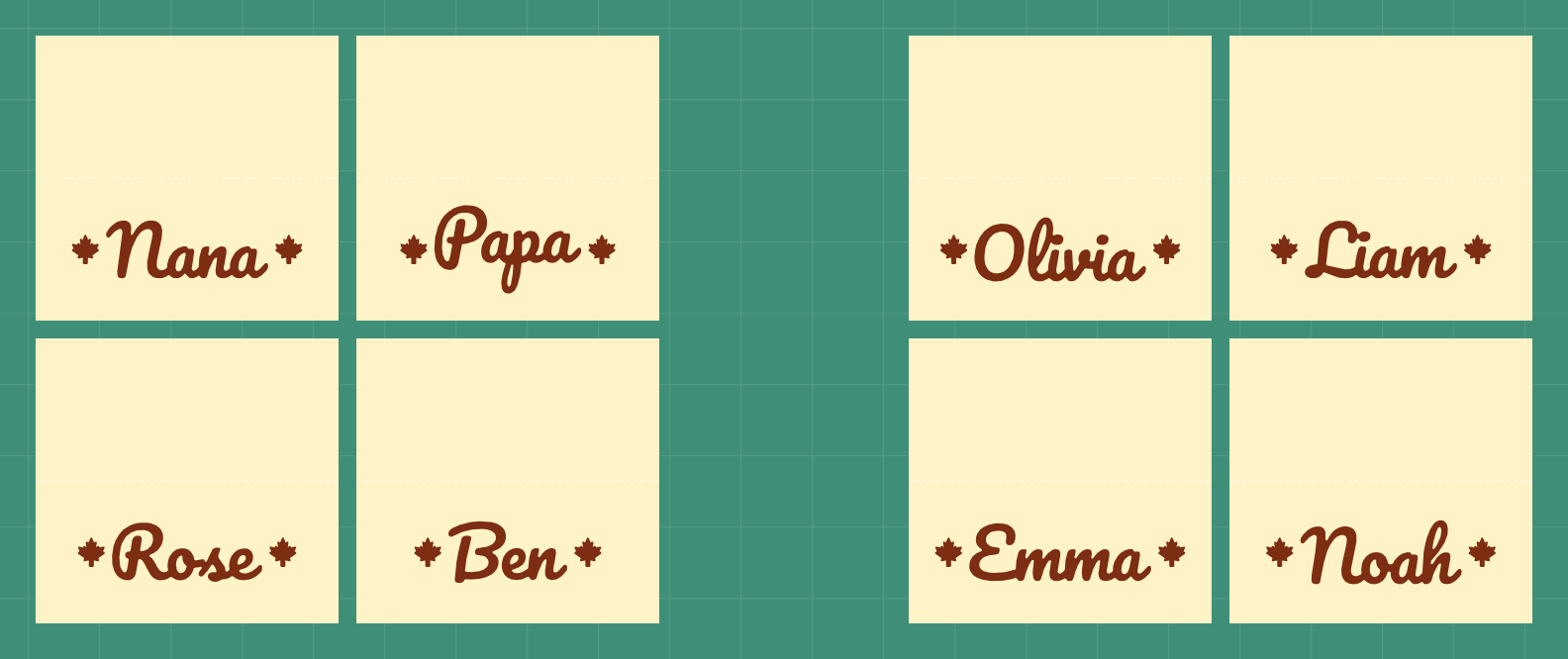
Pie labels SVG
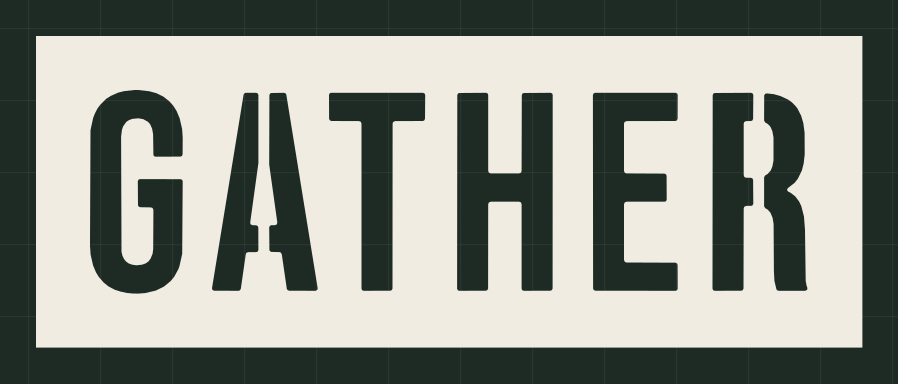
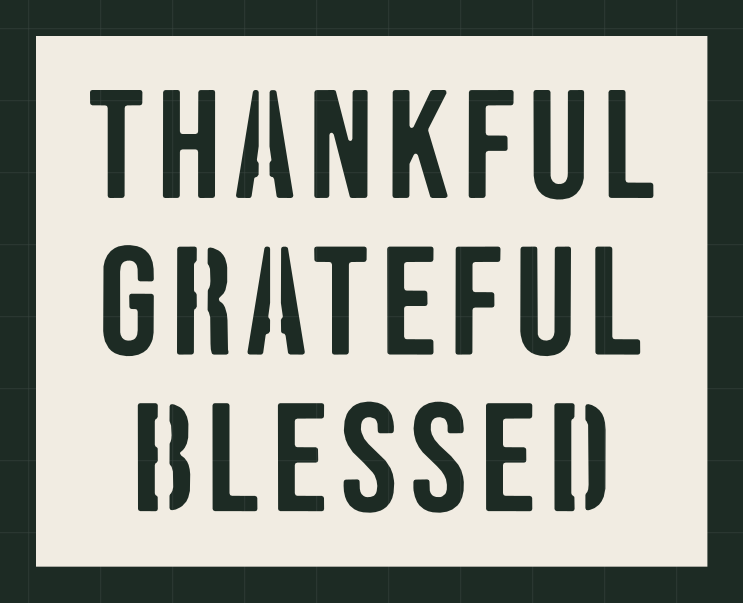
Framed vinyl labels so everyone knows which pie is which. Pumpkin, Apple, Pecan and more, plus one for the leftovers. Type your own list.
- Size
- 9.4 x 4.2 in
- Material
- permanent adhesive vinyl
- Cricut
- Joy, Joy 2, Joy Xtra, Explore or Maker (12 x 12 in mat)
- Goes on
- pie tins and boxes
Opens NameSVG with this design. Change the words, size or colour, then download the SVG.
Cut it in Design Space
- Tap Make yours with your name, type your words, then tap Ready to cut. The file is named like pumpkin-9.4x4.2in.svg.
- In Design Space, start a new project. Choose Upload, then Upload Image (Browse Files on a phone), pick the file and add it to the canvas.
- Check the size box. W should read 9.4 in. If it doesn't, keep the lock closed and type 9.4 for W.
- Click Make, pick your machine and choose the vinyl you're using as the material. Leave Mirror off.
- Weed away the extra vinyl, lay transfer tape over the design and press it onto a clean, dry surface.
Questions
What size is this label sheet?
It comes out 9.4 x 4.2 in. The file name ends in the size, and in Design Space the W box should read 9.4 in. You can change the size in NameSVG before you download.
Do I need to mirror it?
No. Vinyl cuts the right way round, so leave Mirror off.
Is it free? Can I sell what I make?
Every tool is free to use: 3 downloads a week without an account, 10 downloads a week with a free one. Pro only raises the limits. The fonts are open-licensed, so you can sell what you make with them.