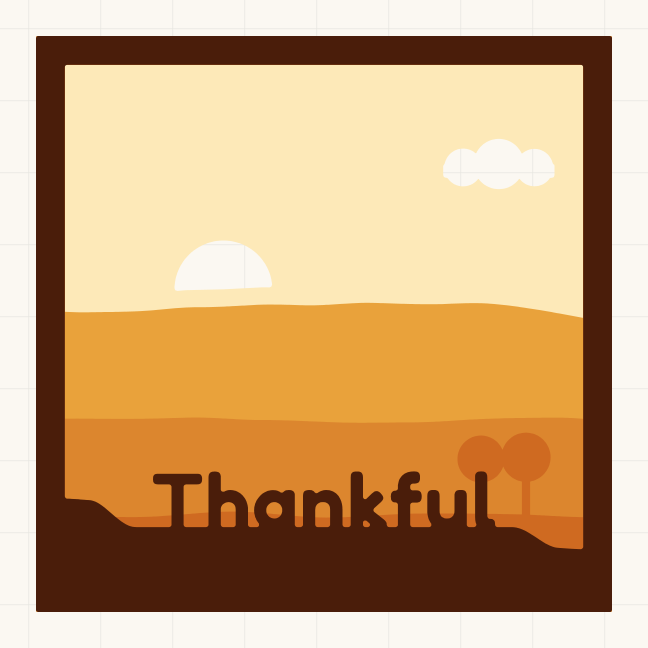
Kids' table place cards SVG
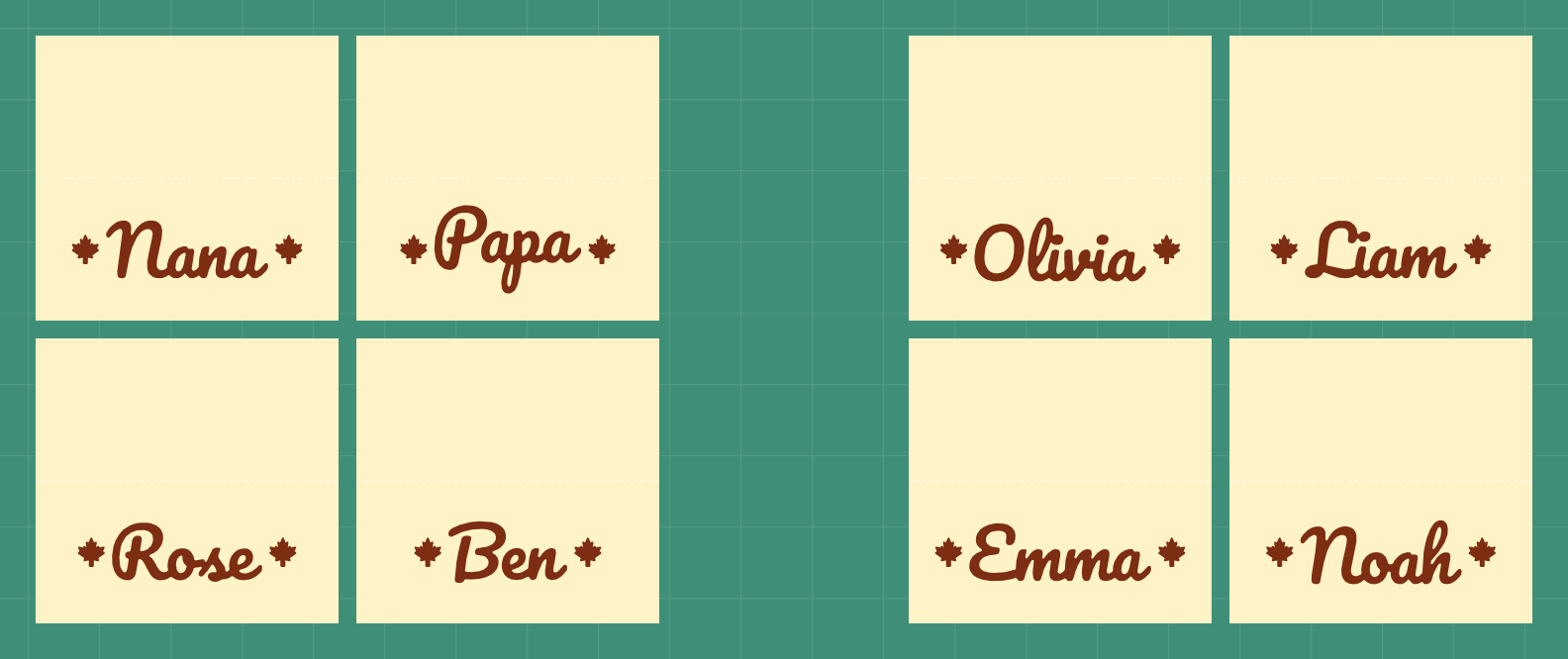
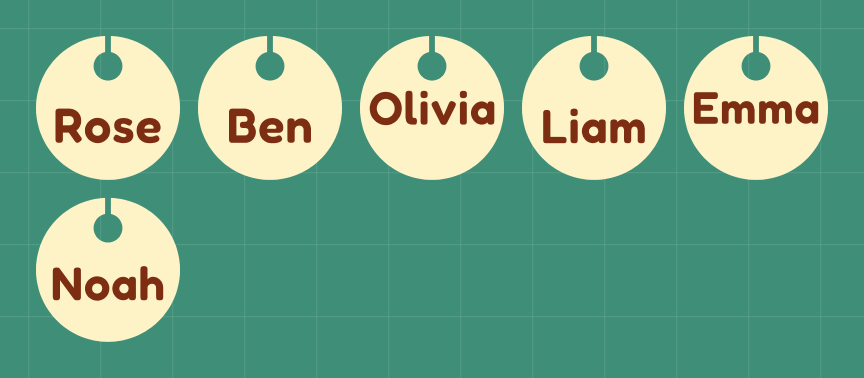
Rounder letters and a scalloped edge on a low 4 x 1.5 in card, so the kids' table gets its own look. Paste the names, one per line.
- Size
- 8.25 x 9.5 in
- Material
- cardstock
- Cricut
- Joy Xtra, Explore or Maker (12 x 12 in mat)
- Goes on
- the kids' table
Opens NameSVG with this design. Change the words, size or colour, then download the SVG.
Cut it in Design Space
- Tap Make yours with your name, type your words, then tap Ready to cut. The file is named like mia-8.25x9.5in.svg.
- In Design Space, start a new project. Choose Upload, then Upload Image (Browse Files on a phone), pick the file and add it to the canvas.
- Check the size box. W should read 8.25 in. If it doesn't, keep the lock closed and type 8.25 for W. Select the dashed fold lines and set them to Score.
- Click Make, pick your machine and choose cardstock as the material. Mirror stays off. Each colour cuts on its own mat.
- Bend the mat away from the card, not the card off the mat, so the thin parts don't curl or tear.
Questions
What size is this card set?
It comes out 8.25 x 9.5 in. The file name ends in the size, and in Design Space the W box should read 8.25 in. You can change the size in NameSVG before you download.
Do I need to mirror it?
No. Cardstock cuts the right way round, so leave Mirror off.
How do the cards fold?
Each card has a dashed fold line. Set it to Score in Design Space and use a scoring stylus or wheel, then fold along it so the card stands with the name on the front.
Is it free? Can I sell what I make?
Every tool is free to use: 3 downloads a week without an account, 10 downloads a week with a free one. Pro only raises the limits. The fonts are open-licensed, so you can sell what you make with them.