Cricut files for your classroom
Type your class list once. Cubby labels, desk tags, coat hooks and a welcome banner come out of one file, and every name thing below opens with your list already in it.
Class set kit
Type your class list once: a cubby label, desk name tag, coat hook tag and book bin label for every child, each with their own picture, plus a welcome banner. One file for Design Space.
Start with your class listFirst names, one per line. Every card that says “uses your class list” opens with these names.
Before the first day
The week before open house: everything with a name on it, and the room itself.
-
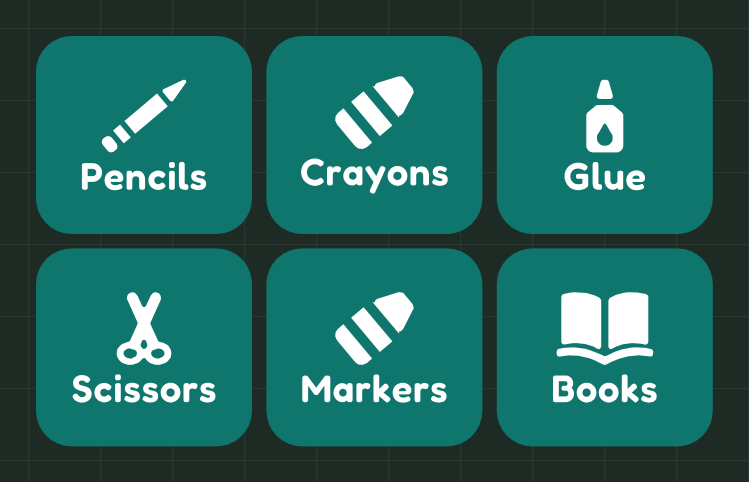 Supply caddy labels
A picture on every bin, so pre-readers put the glue back where the glue goes.
9.4 x 5.7 in · vinyl · Joy Xtra and up
Make it
-
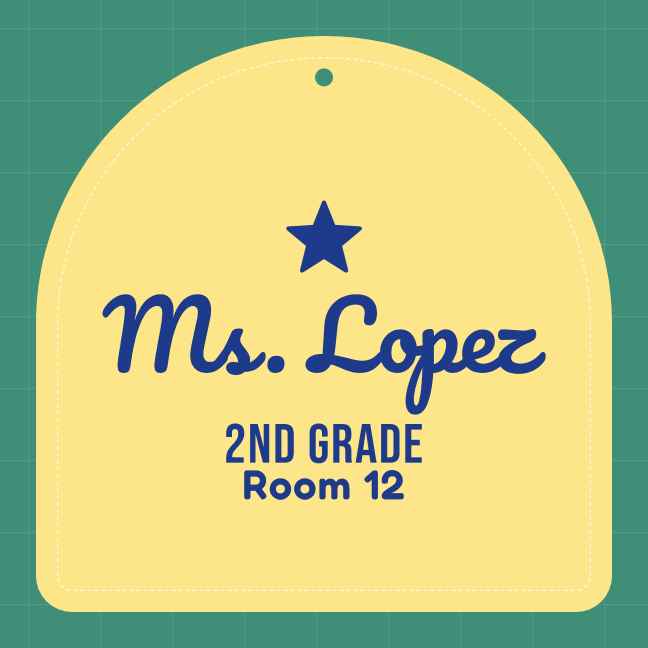 Classroom door sign
Your name, grade and room on an arched sign for the door. Change the words to yours.
8 x 8 in · cardstock · Joy Xtra and up
Make it
-
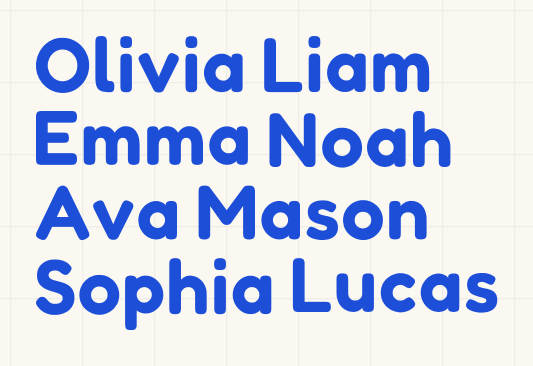 Name stickers for folders and pencil boxesUses your class list
Every child's name the same height on one sheet, welded so each one weeds in a single pull.
6.41 x 4.09 in · vinyl · Joy and up
Make it
Every week
The things that run the room, made once and used all year.
-
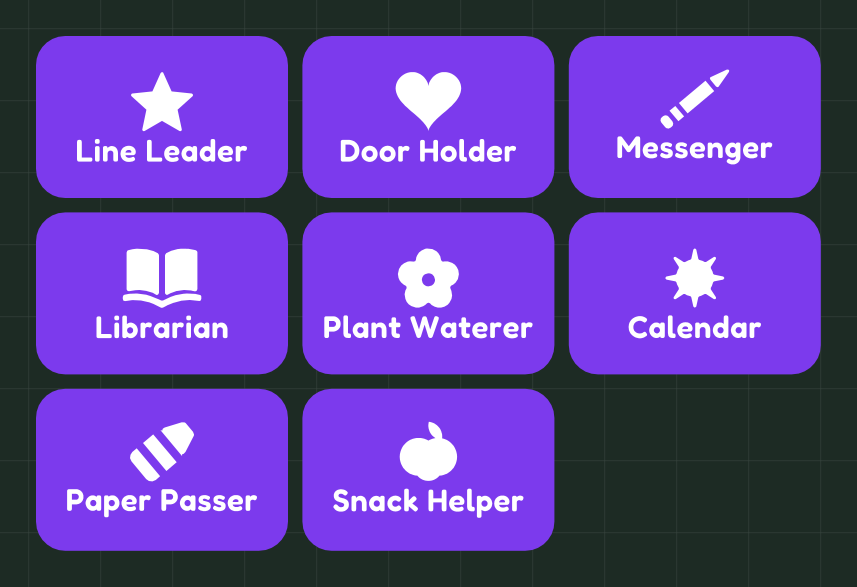 Classroom job chart
Eight jobs, each with a picture, for a pocket chart or a magnet board. Change the jobs to the ones you use.
10.9 x 7.15 in · vinyl · Joy Xtra and up
Make it
-
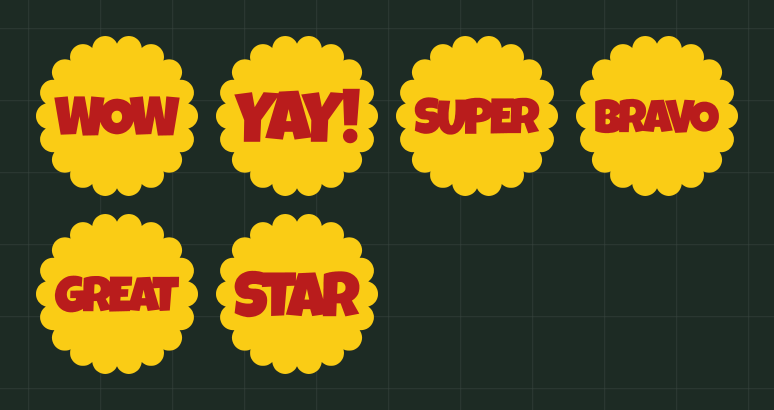 Praise stickers
Six bold words in scallops for charts, folders and the reward jar. Two colours of vinyl, layered.
9.75 x 4.69 in · vinyl · Joy Xtra and up
Make it
-
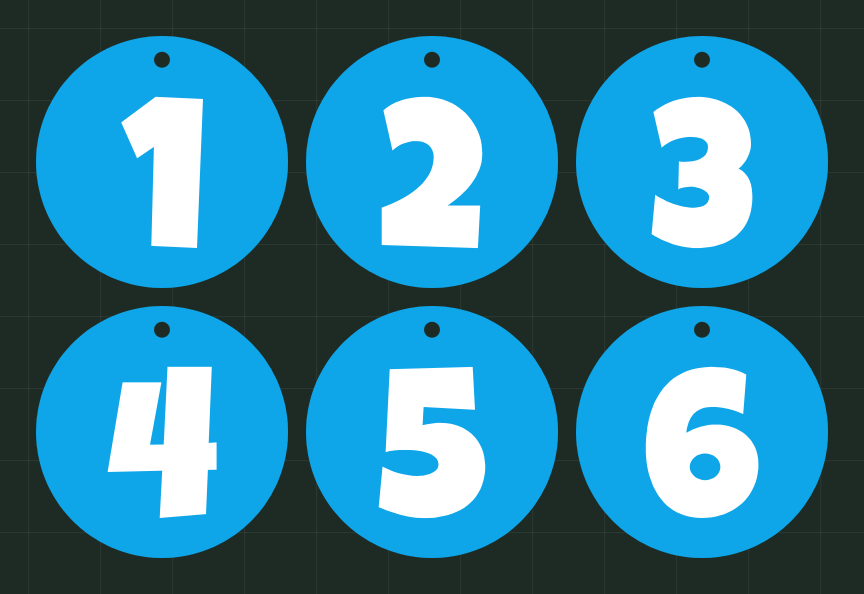 Table group numbers
Big round numbers with a hole to hang above each table group. Swap the numbers for colours or animal names.
11 x 7.25 in · cardstock · Joy Xtra and up
Make it
Gifts and the last day
For the first day, the class party and the end of the year, and one for you.
-
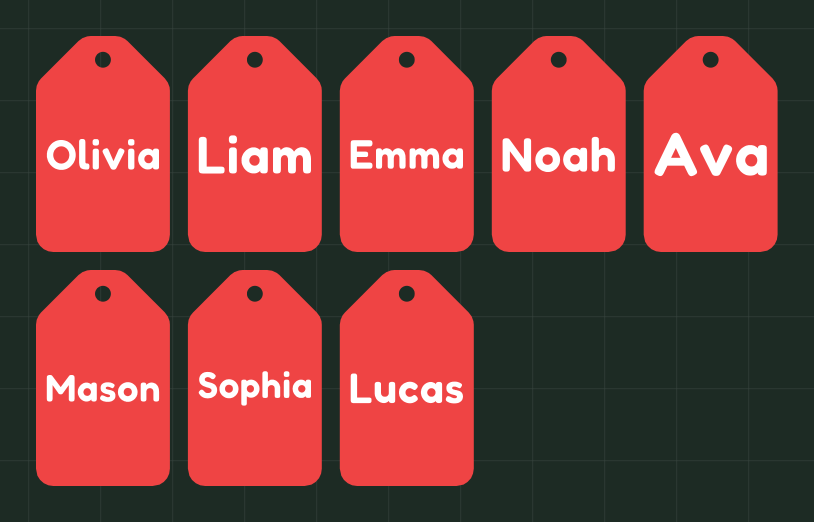 A gift tag for every childUses your class list
One tag per name with a hole for ribbon, for back-to-school treats or the last-day goodie bag.
10.3 x 6.25 in · cardstock · Joy Xtra and up
Make it
-
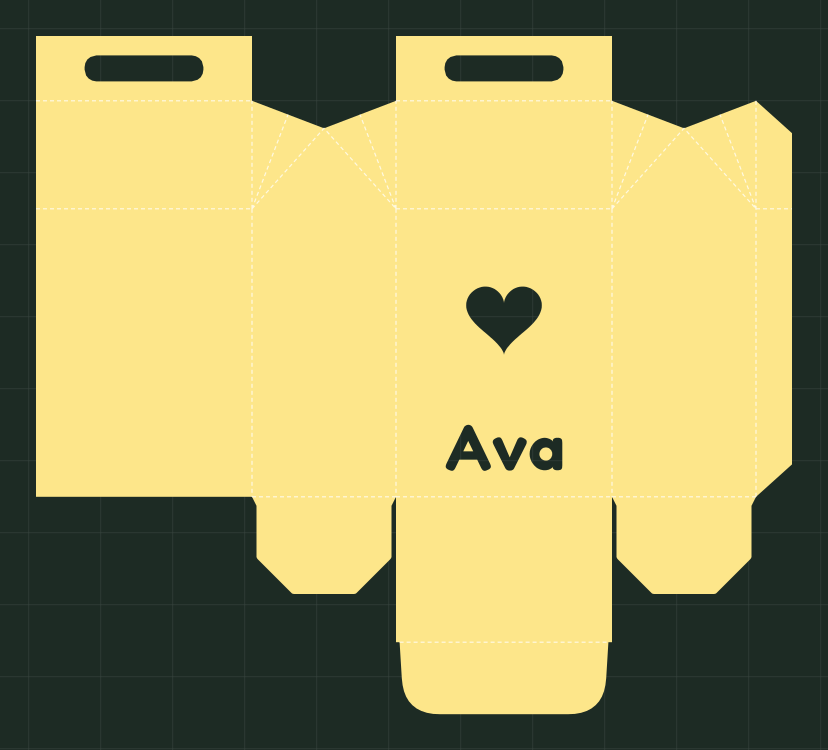 Class party treat box
A gable box 3 x 2 x 4 in with a heart window and a name, fold lines marked. Cut one per child.
10.5 x 9.42 in · cardstock · Explore or Maker
Make it
-
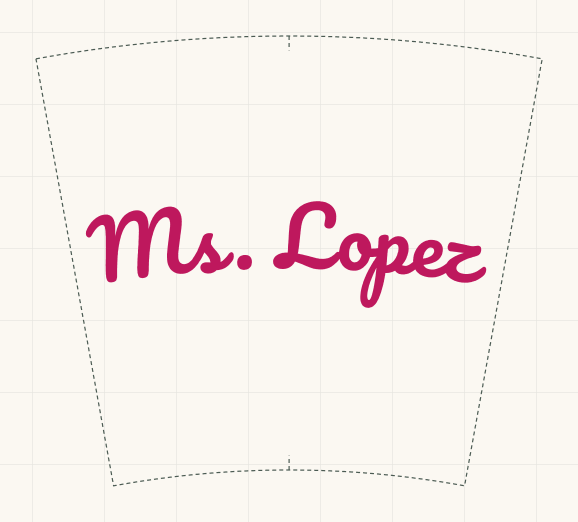 A tumbler with your name
Your name bent to sit level on a 24 oz cold cup. Parents: this is the teacher gift.
7.03 x 6.25 in · vinyl · Joy Xtra and up
Make it
Questions
Do I have to type the class list for every file?
No. Type it once at the top of this page. Every card that says “uses your class list” opens with those names, and the class set kit makes cubby, desk, hook and book bin labels from the same list.
How many names can I put in one file?
Up to 4 without an account and 8 with a free account. Pro takes up to 500, the whole class in one file. The class set kit makes the whole class with a free account until September 30, 2027.
Will it fit my Cricut Joy?
Each card says which machines it fits as shown. Labels, stickers and name sheets can be set to the Joy's mat in the editor and pack themselves to fit; the treat box needs an Explore or Maker.
Is it free?
Every tool is free to use: 3 downloads a week without an account, 10 downloads a week with a free one. Pro only raises the limits.