Cricut files for your bakes and your market table
Type your flavours once. Lid labels, price tags and a table sign open with your list already in them, with toppers, treat boxes and a pay sign beside them. Ready for a holiday market or a cookie order, and for the summer farmers market too.
One per line, scents too if you pour candles. Every card that says “uses your flavours” opens with this list. Just the names here: prices go on the tags once you open them.
Pack day
The jars are full and the cookies are cool: a name on every lid and a thank-you on every bag.
-
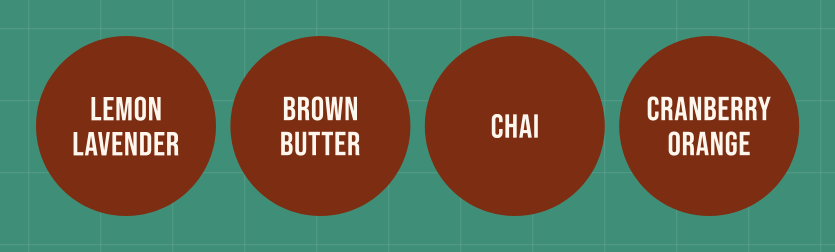 Flavour labels for jars, tins and candle lidsUses your flavours
A round 2.5 in label per flavour, the letters the same size across the set. Measure your lids and change the size to match.
10.6 x 2.5 in · vinyl · Joy and up
Make it
-
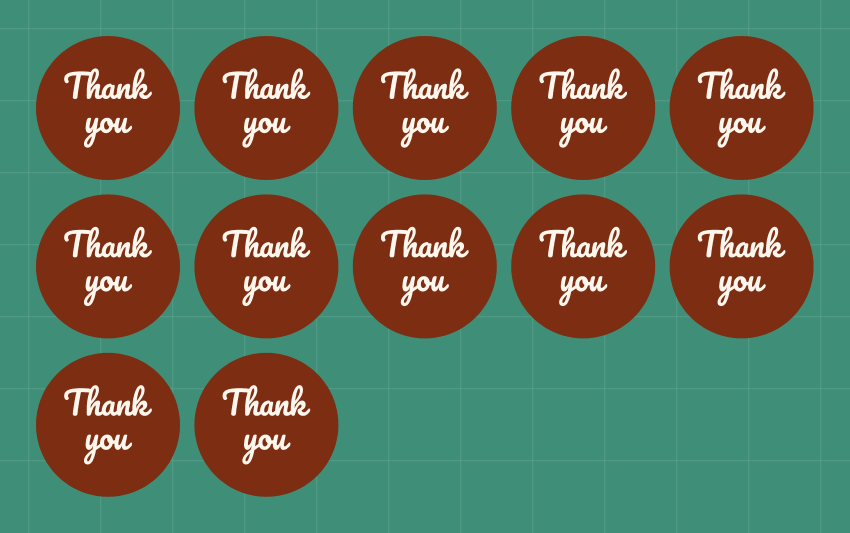 Thank-you stickers
A dozen 2 in rounds for bags and box lids, two colours of vinyl layered. Swap the words for your shop name.
10.8 x 6.4 in · vinyl · Joy Xtra and up
Make it
This week's orders
“A dozen for Emma's fifth birthday.” Each order wants its own name: change the sample and cut.
-
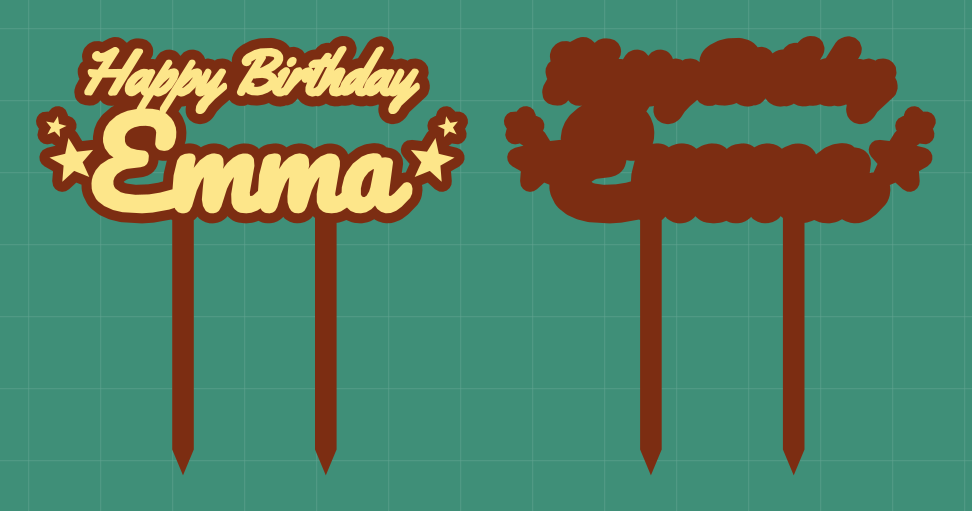 A name topper for the cake
A 6 in topper on two stakes, the name layered over a darker piece, with a plain back to keep it stiff.
6 x 6.1 in · cardstock · 2 mats · Joy Xtra and up
Make it
-
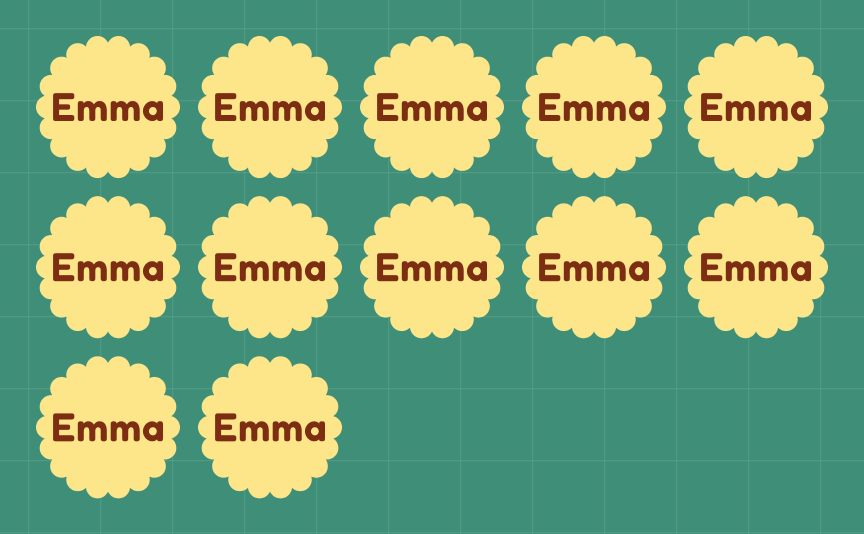 Cupcake toppers for one order
A dozen 2 in scallops with the name on each. Glue a toothpick to the back of each one.
11 x 6.42 in · cardstock · Joy Xtra and up
Make it
-
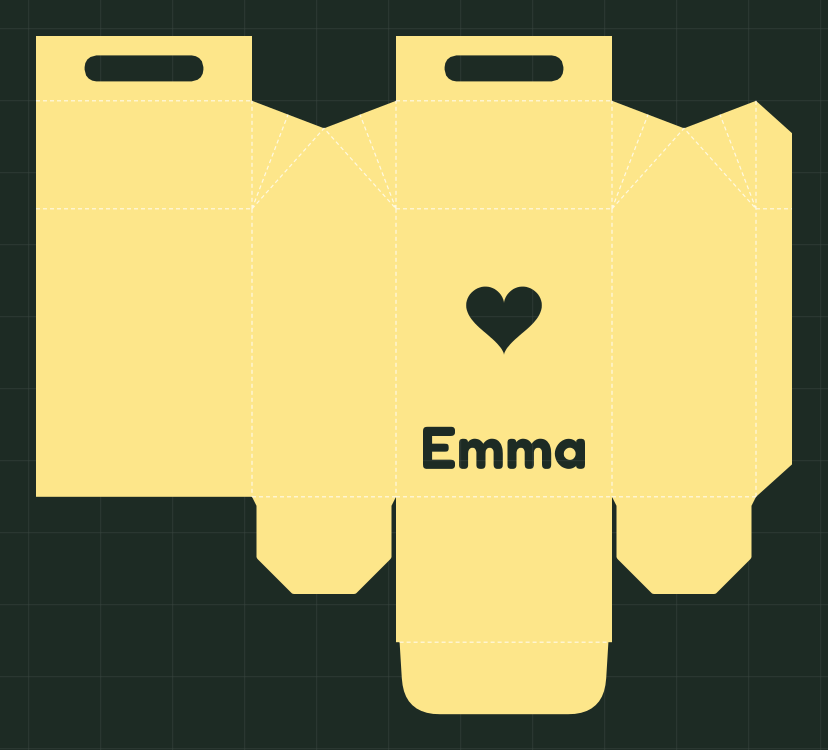 A treat box with a name
A gable box 3 x 2 x 4 in with a heart window and a name, fold lines marked. Bag the cookies before they go in.
10.5 x 9.42 in · cardstock · Explore or Maker
Make it
-
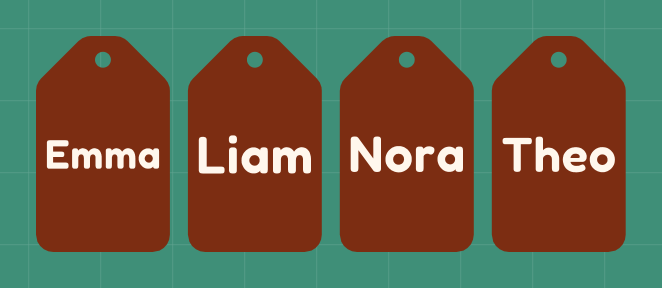 Pickup tags for the week's boxes
One 3 in tag per customer with a hole for ribbon, so every order finds its person on pickup day.
8.19 x 3 in · cardstock · Joy and up
Make it
Market day
Cut these once, bring them to every market, and recut a tag when a flavour or price changes.
-
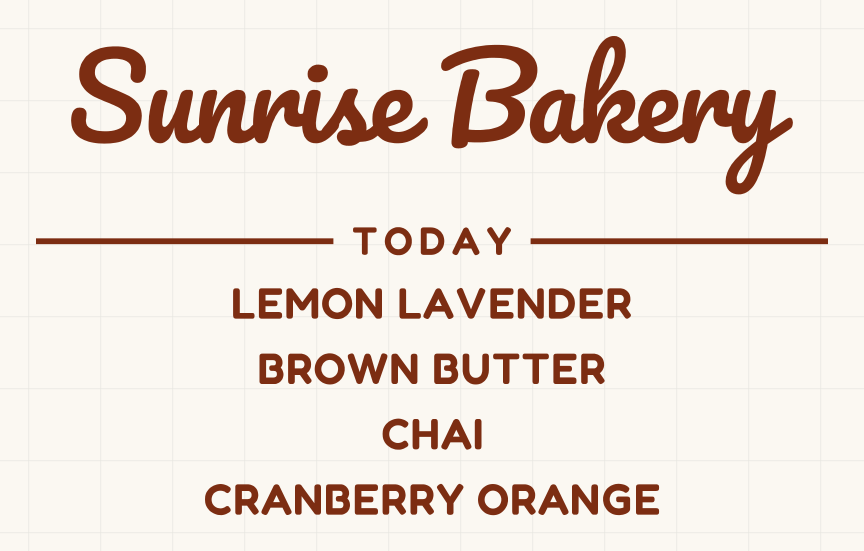 Table sign with today's flavoursUses your flavours
Your shop name over your flavours, 11 in wide in vinyl for a board or a window. It opens in the Store hours tool, with your flavours in its Hours box.
11 x 6.66 in · vinyl · Joy Xtra and up
Make it
-
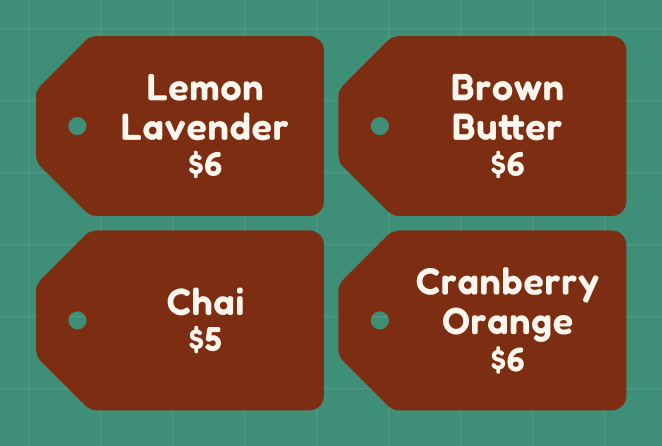 Flavour and price tagsUses your flavours
Tags with a string hole, words in vinyl. The price is just a line of words: your list opens without one, so add it after a bar, Chai | $6.
8.2 x 5.2 in · vinyl · Joy Xtra and up
Make it
-
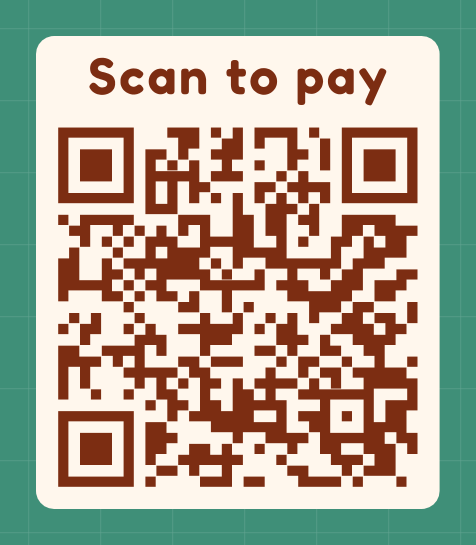 Scan-to-pay sign: add your own link
This sample code only opens example.com. Paste your own payment link in the editor, then scan your cut sign with a phone before the market.
5.61 x 6.57 in · vinyl · Joy Xtra and up
Make it
-
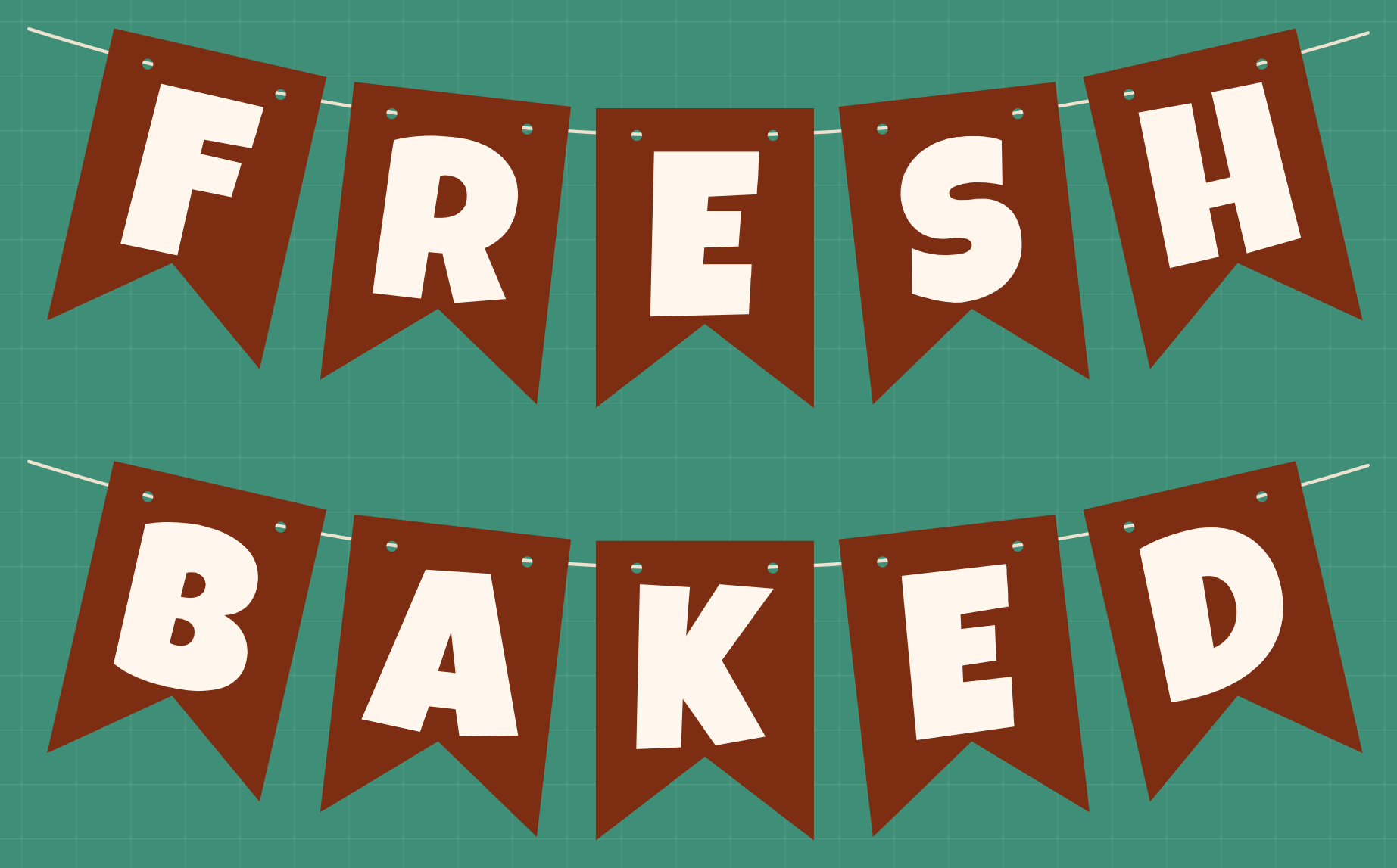 A banner for the front of the table
One 4 x 5.5 in flag per letter with holes for string, shown hung. The file packs the flags tight onto three sheets to save card.
8.25 x 11.25 in · cardstock · 3 mats · Joy Xtra and up
Make it
Questions
Can I cut ingredient and allergen labels here?
No. Ingredient lists and allergen lines are small type, and letters that small can't be cut and weeded cleanly. Print those on label paper, and use a cut label for the flavour name. Rules for selling food from home vary by state and country, so check yours. Nothing on this page makes a label meet them.
Can these touch the food?
Plain cardstock and craft vinyl aren't made to touch food. Bag or wrap treats before they go in a box, and take toppers out before serving.
Do I have to type my flavours for every file?
No. Type them once at the top of this page, and every card that says “uses your flavours” opens with them. Your list stays in this browser for next time.
How many flavours can I put in one file?
On the labels and tags, up to 4 without an account and 8 with a free account. Pro takes up to 500. Copies of one label don't count toward that.
How do I put a price on a tag?
Type it after a bar on the flavour's line: Chai | $6. It prints as a second line of words, so when a price changes you edit the line and cut that tag again.
Does the pay sign take payments?
No. It's a QR code that opens whatever link you paste, such as your payment page. NameSVG never touches the money. Scan the finished sign with your own phone before you put it out.
Will it fit my Cricut Joy?
Each card says which machines it fits as shown. Lid labels and pickup tags fit the Joy as they are, and labels can be set to the Joy's mat in the editor to pack themselves to fit; the treat box needs an Explore or Maker.
Is it free, and can I sell what I make?
Every tool is free to use: 3 downloads a week without an account, 10 downloads a week with a free one. Pro only raises the limits. You can sell what you make; please don't share or resell the files themselves.